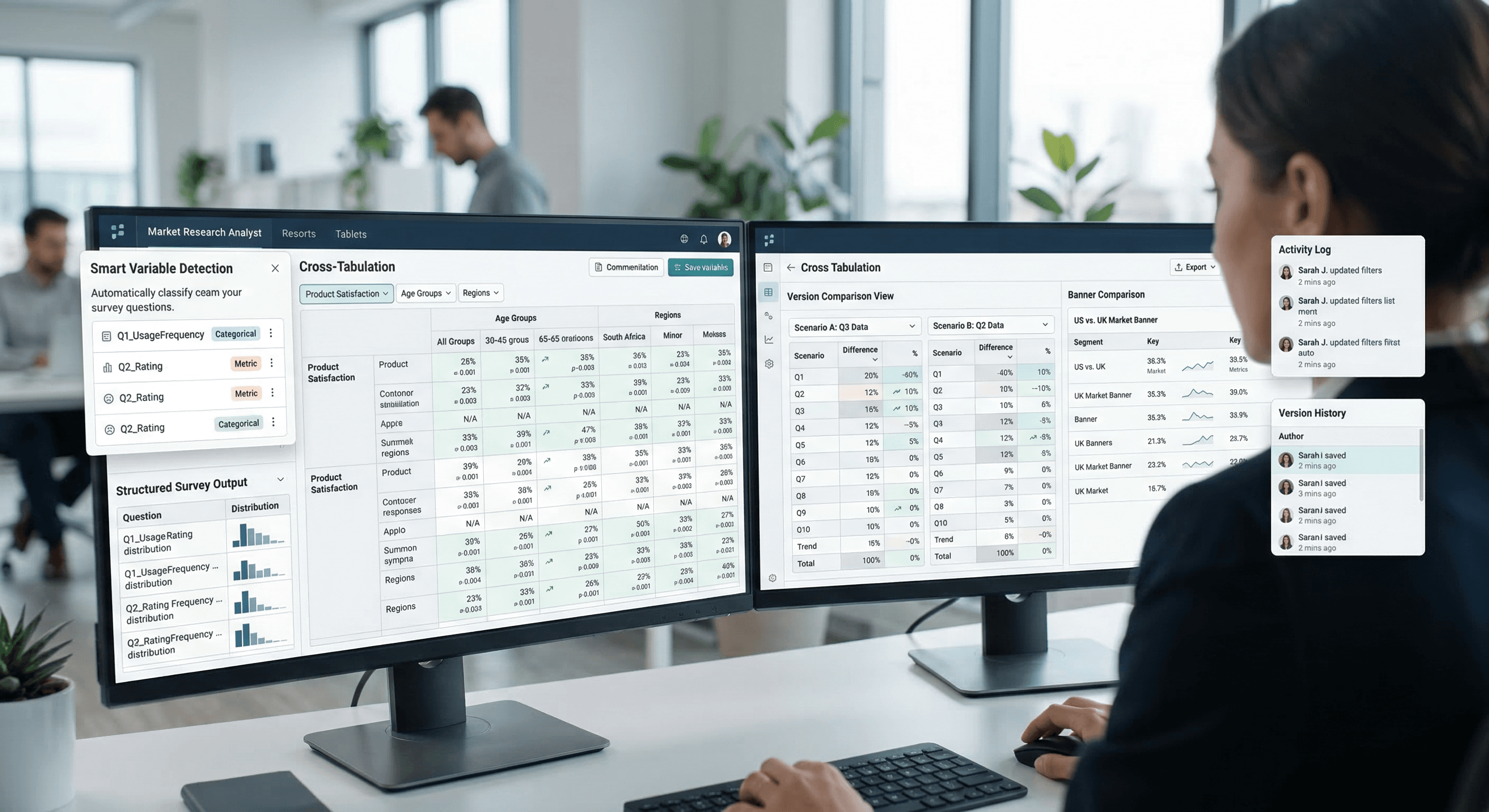
What is TabGen?
TabGen is a state of the art table generation and analytics platform designed specifically for Market Research teams looking to eliminate heavy scripting, reduce QA effort, speed up deliveries, and improve accuracy.Traditionally, MR tabulation relies heavily on syntax writing, manual scripts, repeated checks, and iterative back-and-forth between teams.
TabGen reimagines this workflow. It replaces time-consuming manual scripting with:
Direct data ingestion from SPSS
Checkbox-driven table building
Real-time crosstab visualization
Automatic statistical testing
Auto comparisons across banner points
Instant exports with structured navigation
Multi-user collaboration without locking scripts
The result? A platform that cuts significant manual work, reduces human error, and speeds up table delivery with a level of consistency and accuracy that traditional tools struggle to achieve
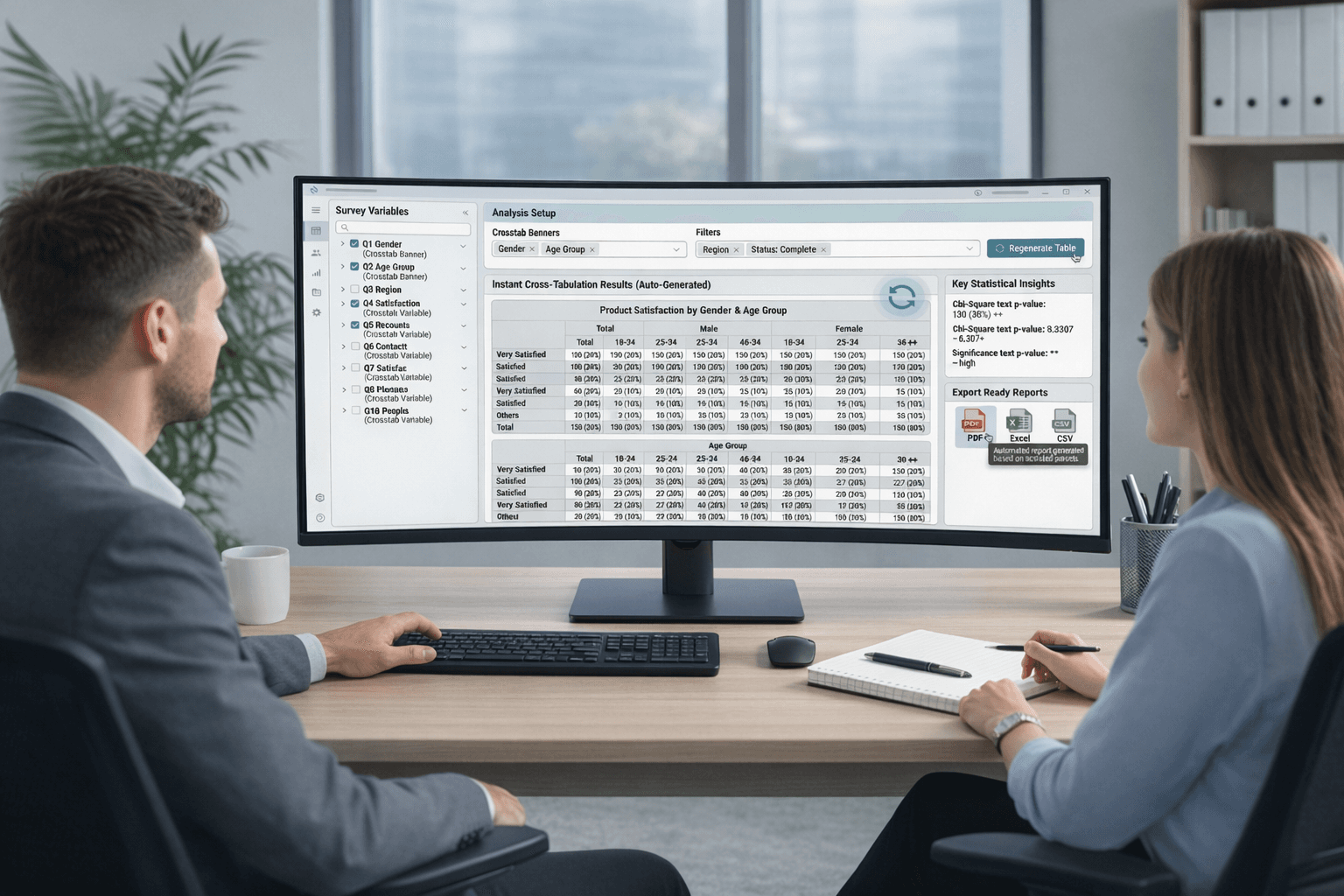
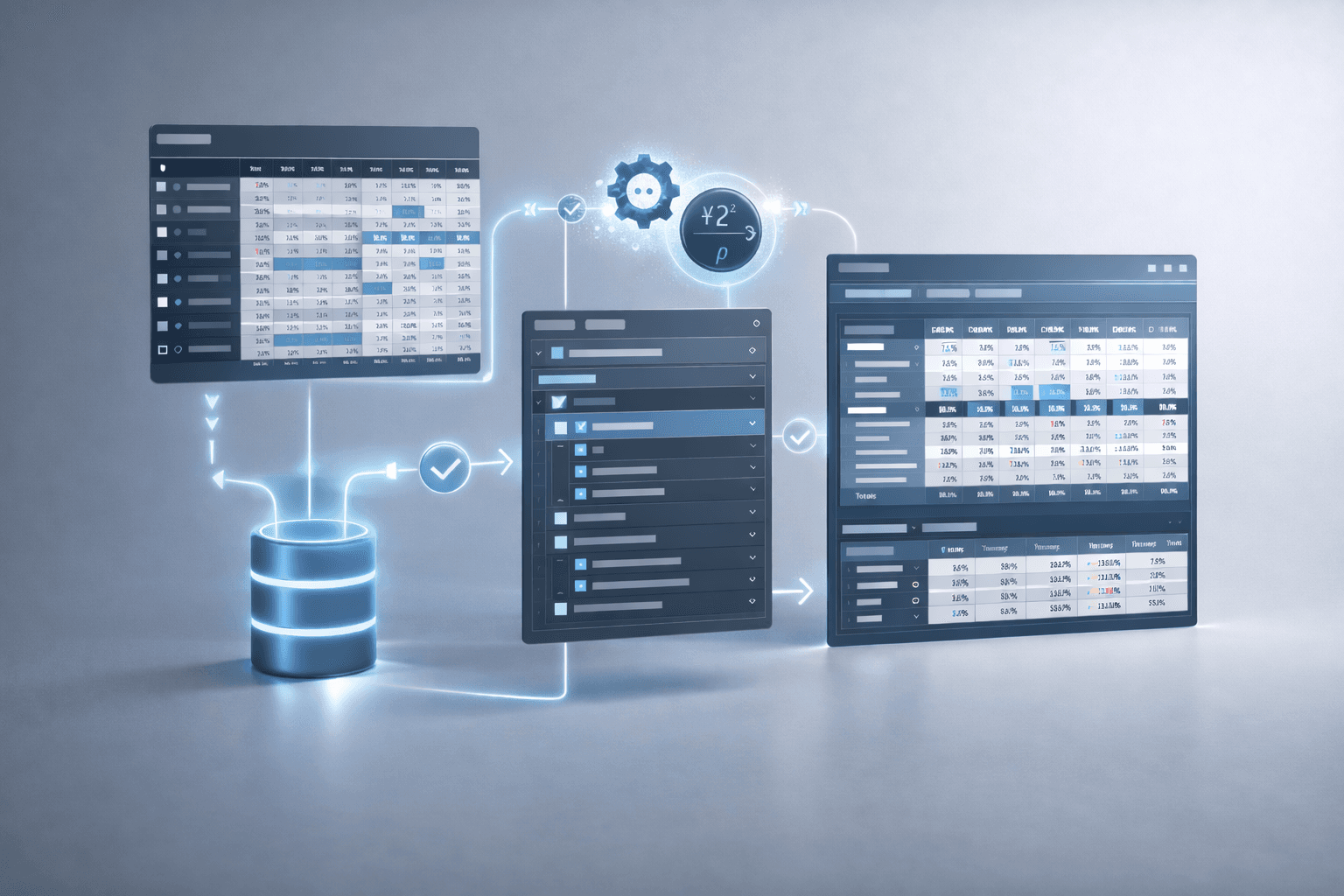
Tabulate & Analyze Faster
Make your stub selections. Choose your banner. Apply filters. Generate professional tables in no time.
Upgrade your tabulation workflow. Deliver insights faster.
TabGen lets you turn SPSS survey data into ready-to-use tabulations in minutes. Upload your data, apply quick settings, and export tables to Excel with one click. Smart survey structure detection and flexible configurations make reporting fast and effortless.
Why Choose TabGen?
Faster than traditional tab platforms
Generate tables in minutes
Zero manual setup
Automatic variable detection & smart classification
Built for market research standards
Structured, banner-ready outputs.
Multi-version analysis
Compare scenarios without duplicating projects
Professional Excel exports
Ready for client delivery
Collaborative & auditable
Version tracking and change logs built-in.
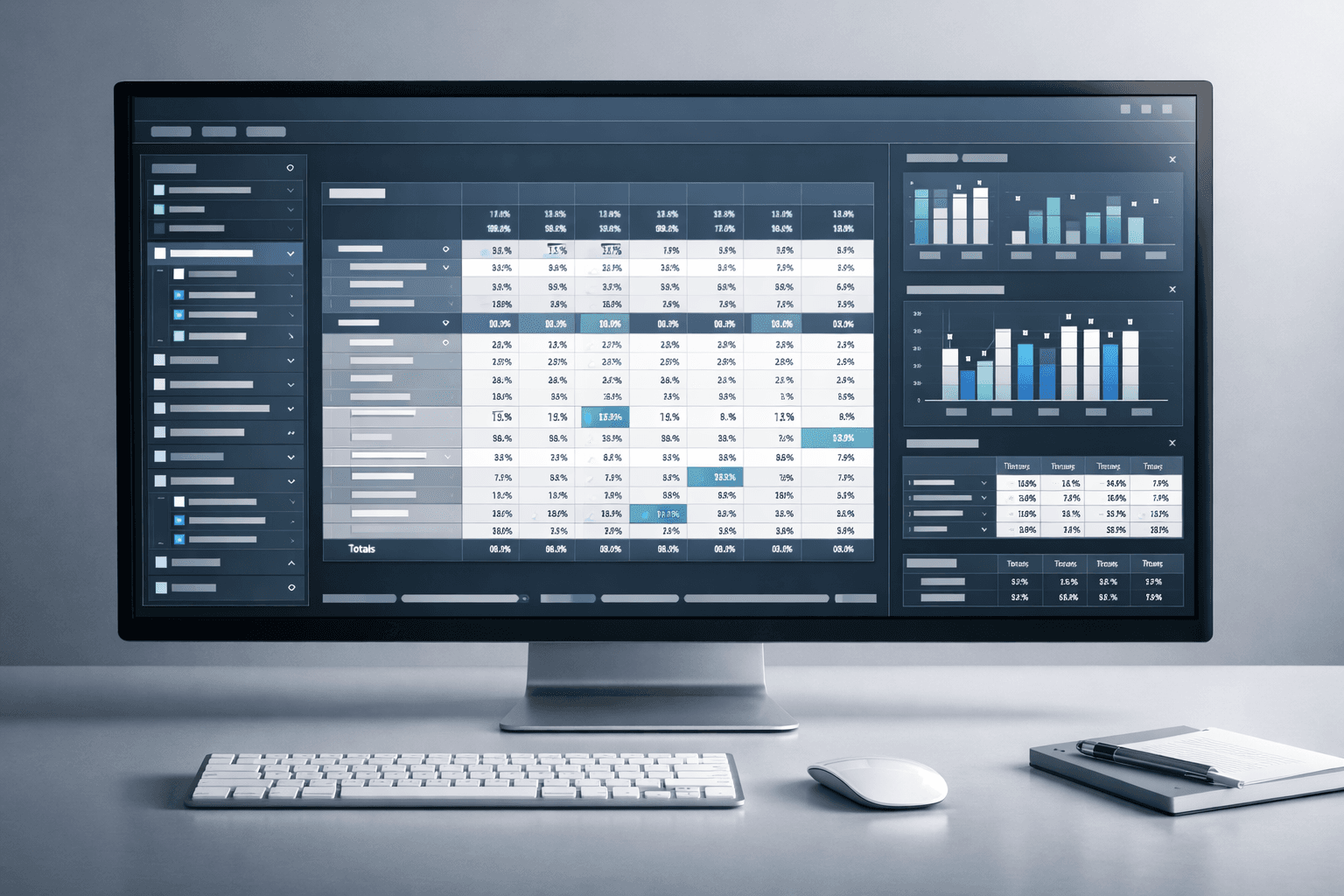
Key Features & Functionality
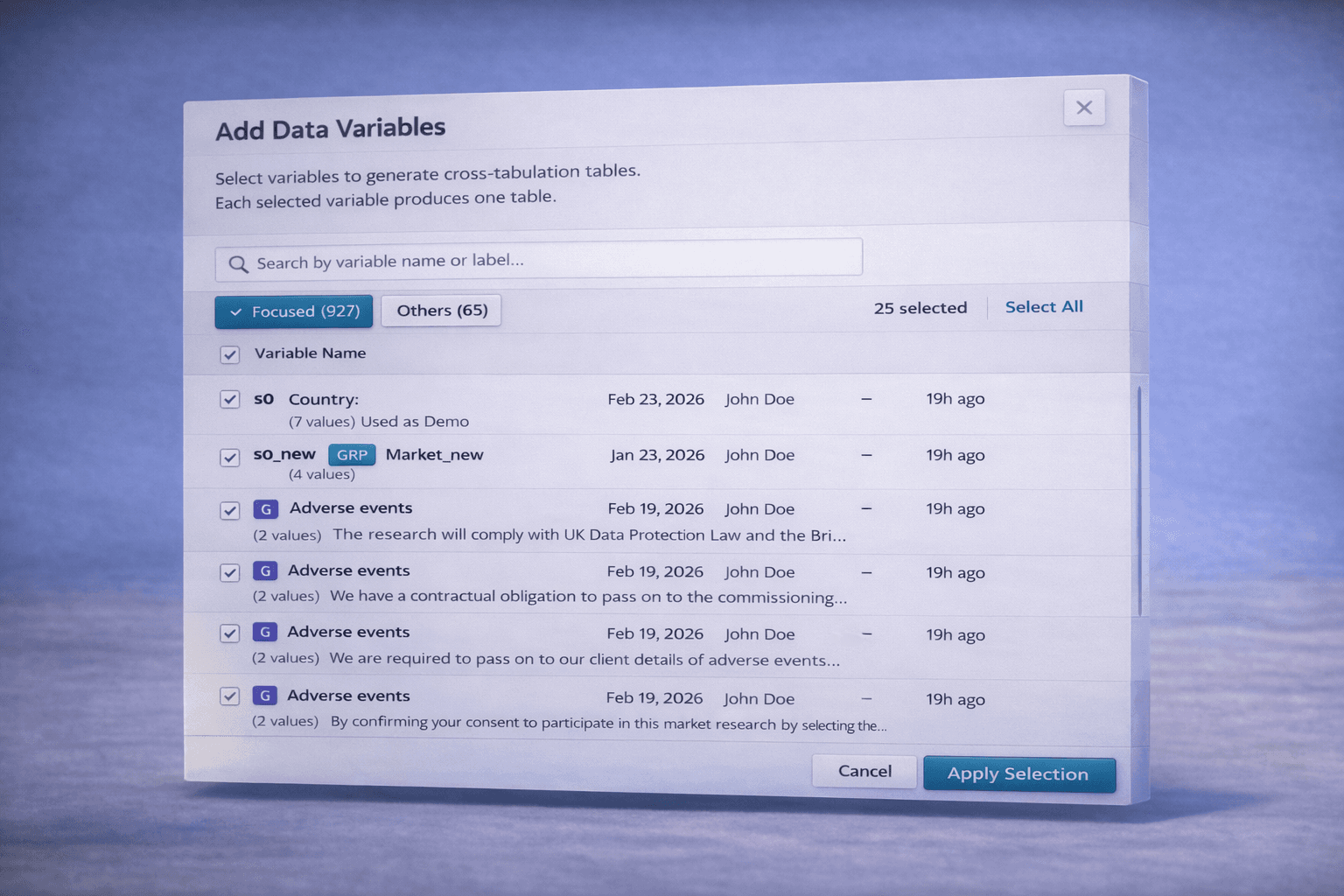
Smart SPSS Upload
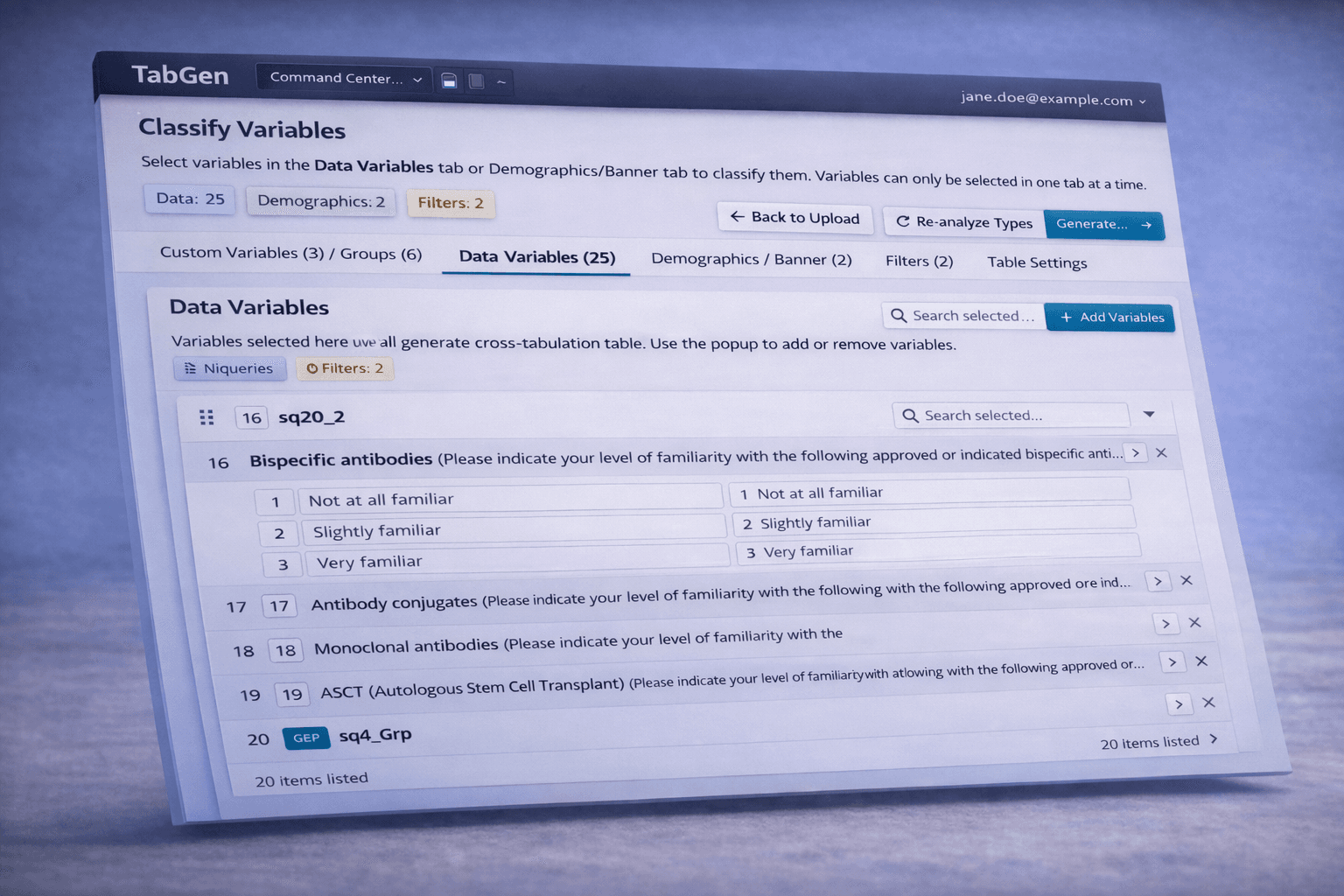
Intelligent Variable Detection
Flexible Classification
Hierarchical Demographics
Variable Grouping & Base Varies
Global & Local Filtering
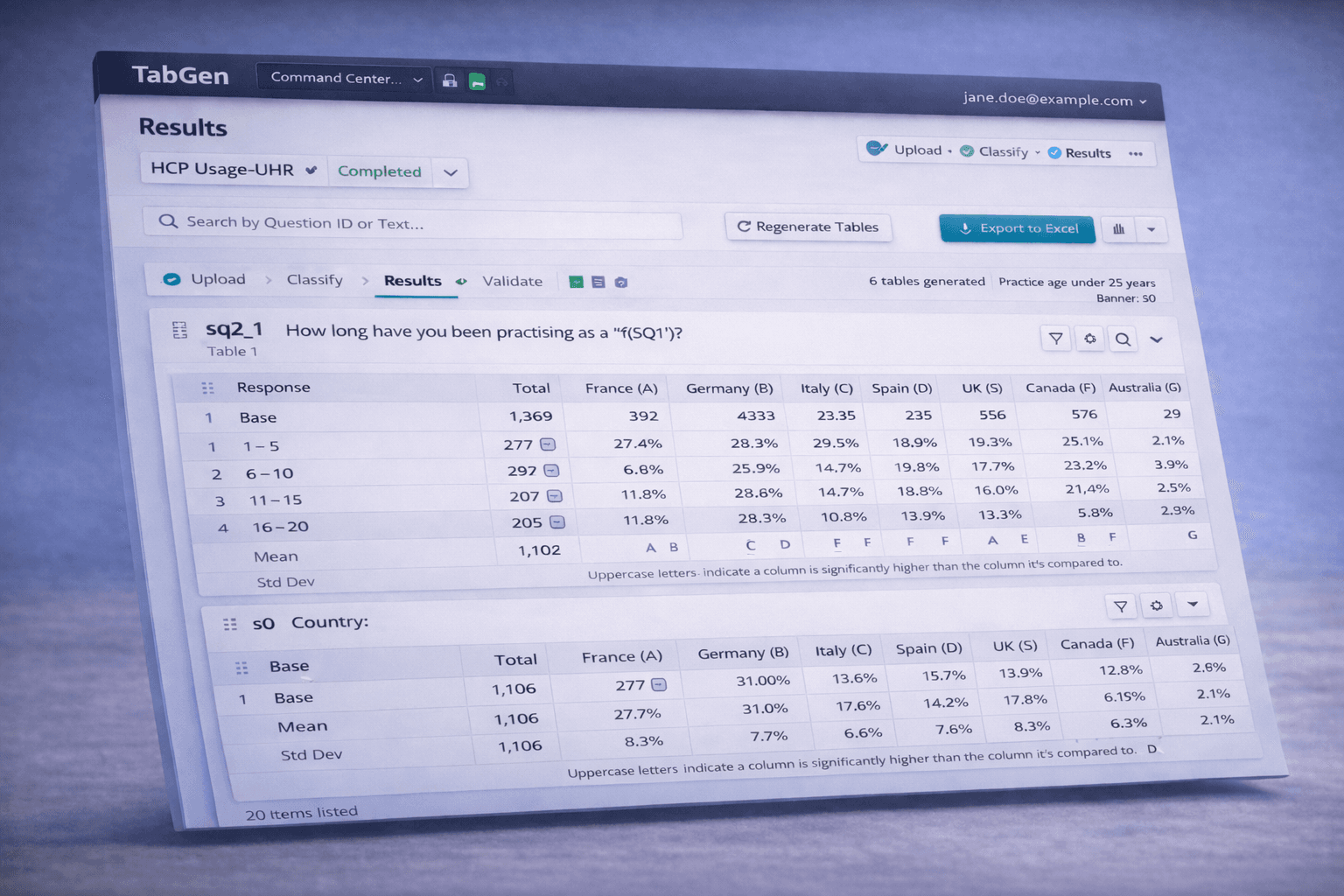
Cross-Tabulation Engine
Interactive Results UI
Professional Excel Export
Multi-Version Analysis
Change Log & Validation
How It Works
Upload your SPSS file
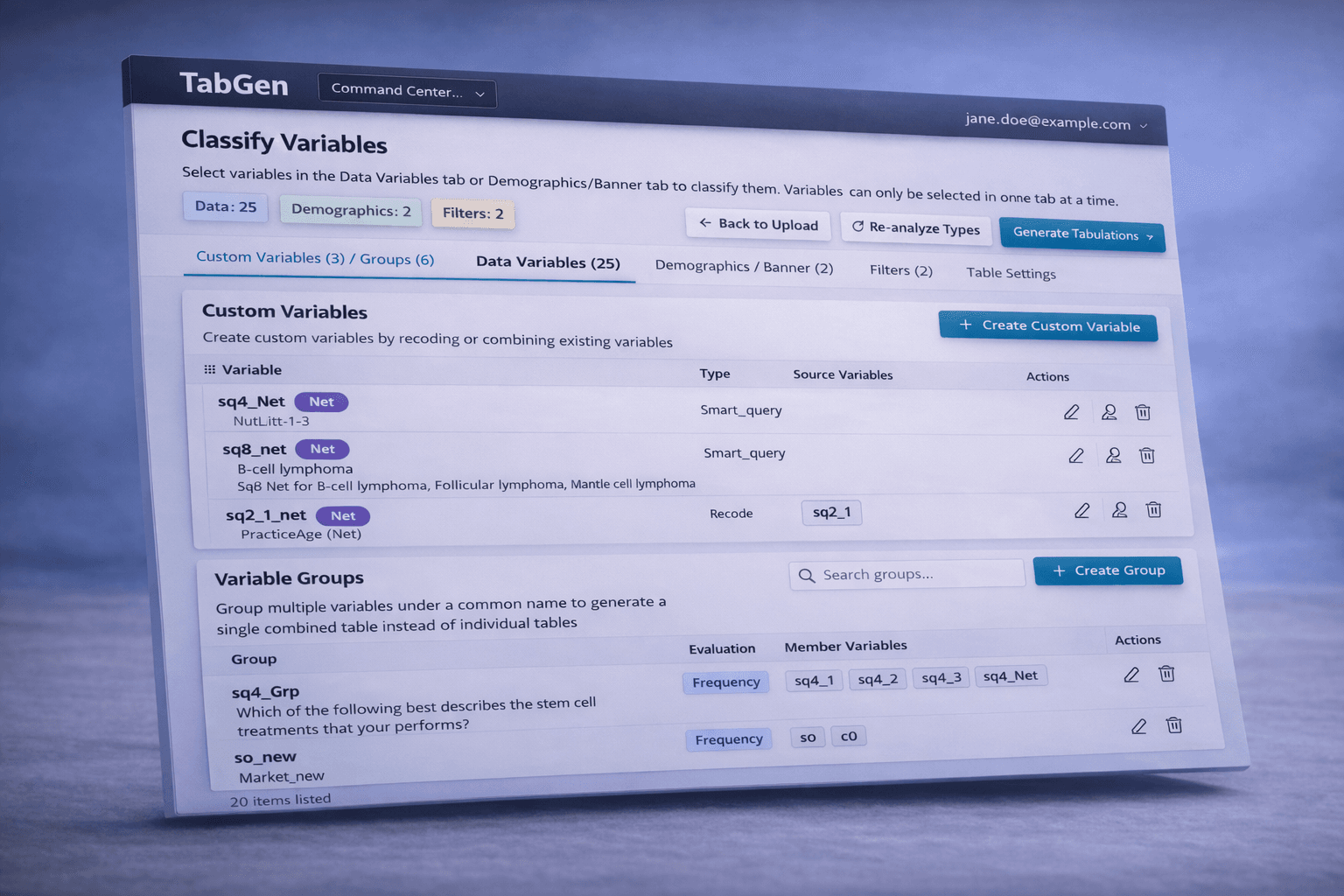
Classify variables (Data, Banner, Filters)s
Group & configure summaries (Mean, Median, Nets)
Apply filters (Global or Table-level)
Generate tables instantly
Export to your preferred format
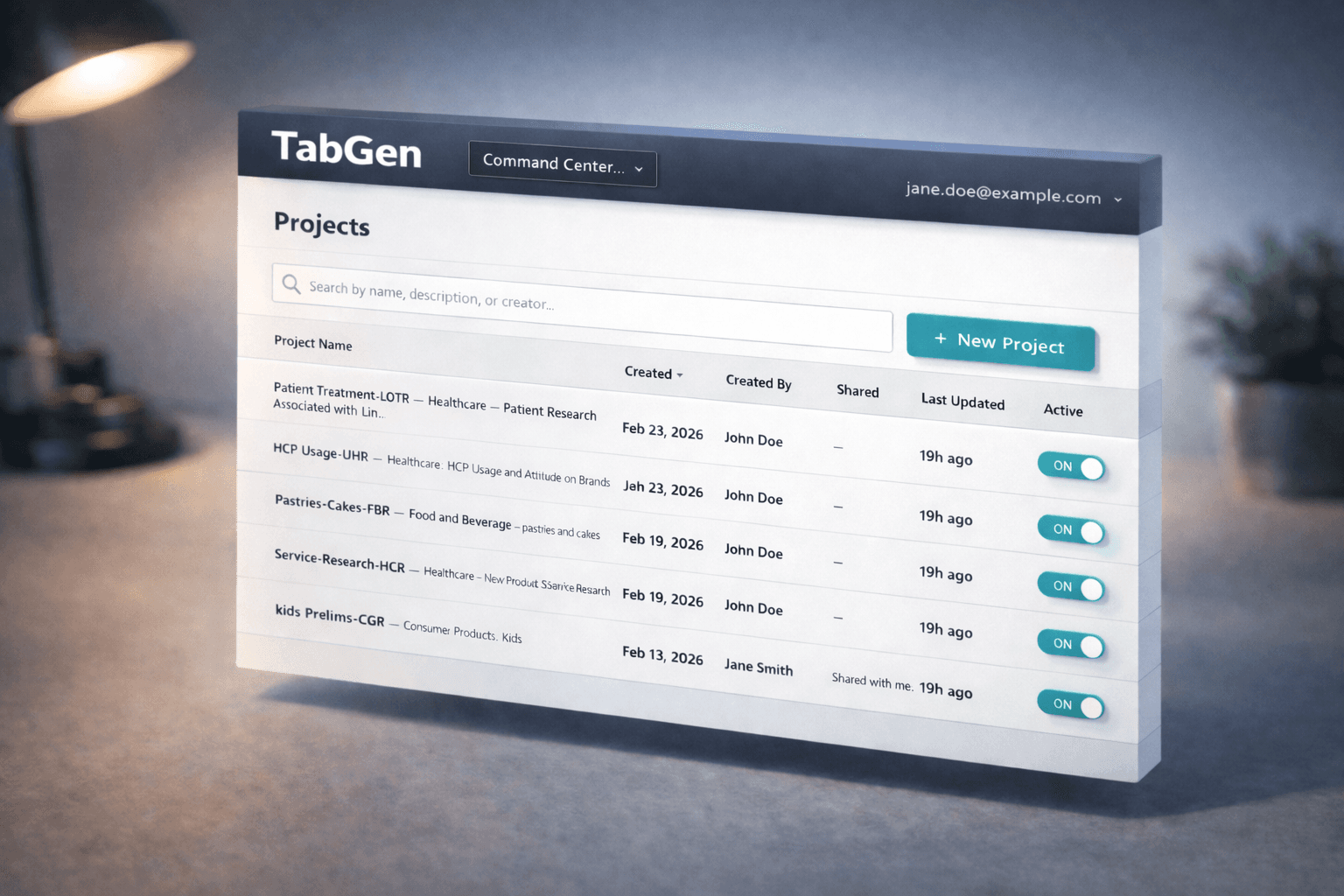
Centralized Project Command Center
Create, organize, and track multiple analysis projects in one unified workspace.
Who Can Benefit?
Market Research Agencies generating banner tables
Consulting Firms delivering data-backed insights
Data Analysts needing standardized cross-tabs
Research Teams collaborating on multi-version projects
Organizations upgrading from legacy tab tools